Single-Click Payroll for Construction Crews

Time-verified, site-approved payroll in under 30 minutes without chasing timesheets, fixing errors, or reconciling spreadsheets.
Features

Flip the switch to quick, reliable automated payroll processing

Single-click payroll isn’t about skipping steps. It’s about removing manual reconciliation between site, office, and payroll systems.

Site-Verified Timesheets

Timesheets are reviewed and approved at the project level before they ever reach payroll. Site managers validate start times, finish times, breaks, and job allocations directly within Swift Checkin.

This ensures:

  • Hours reflect actual site activity.
  • Adjustments are made closest to the source
  • Payroll teams don’t need to chase clarifications

By the time payroll opens the system, all entries are already verified reducing disputes and back-and-forth calls.

Automated pay Calculations

Each worker or subcontractor is assigned specific pay rates based on role, contract, or project. The system automatically applies:

  • Standard hourly rates
  • Overtime thresholds
  • Weekend or public holiday penalties
  • Break deductions
  • Allowances

The automated construction payroll engine processes wage logic consistently across every pay cycle.

Payroll Locking

Once timesheets are reviewed and payroll is approved, entries can be locked to prevent further changes.

This creates:

  • A clear approval trail
  • Version control for pay periods
  • Protection against late edits or accidental changes

Payroll locking ensures that what gets processed is final supporting audit readiness and compliance.

One-Click Payroll

Once site-verified timesheets are reviewed, payroll can be processed in a single action. Standard hours move through bulk approval automatically, while flagged exceptions, such as overtime, can be reviewed separately before final processing.

Key capabilities:

  • Bulk approval of verified hours
  • Overtime flagged for separate review
  • Instant sync with MYOB & Xero
  • Payroll-ready CSV export

Get payroll done in one click.

Payroll done, just like that.

Dashboard mockup
01

Site-hours captured, accurately.

GPS-based time data

02

Live timesheet creation

Time data flows to timesheet with OT, pay-rate allocation

03

One-click payroll sync

Be sure of payroll data and handle exceptions fast

100%

pay-rate accuracy

90%

reduced admin time

< 30 mins

Payroll processing time

Zero

Payroll disputes

Plus Icon

Why contractors switch to Swift Checkin for timesheet and payroll?

Real-time capture

Site teams log hours as they work, so payroll always runs on fresh, verified data.

Compliance built-in

Project rates, overtime rules, and allowances are auto-applied, cutting costly compliance errors
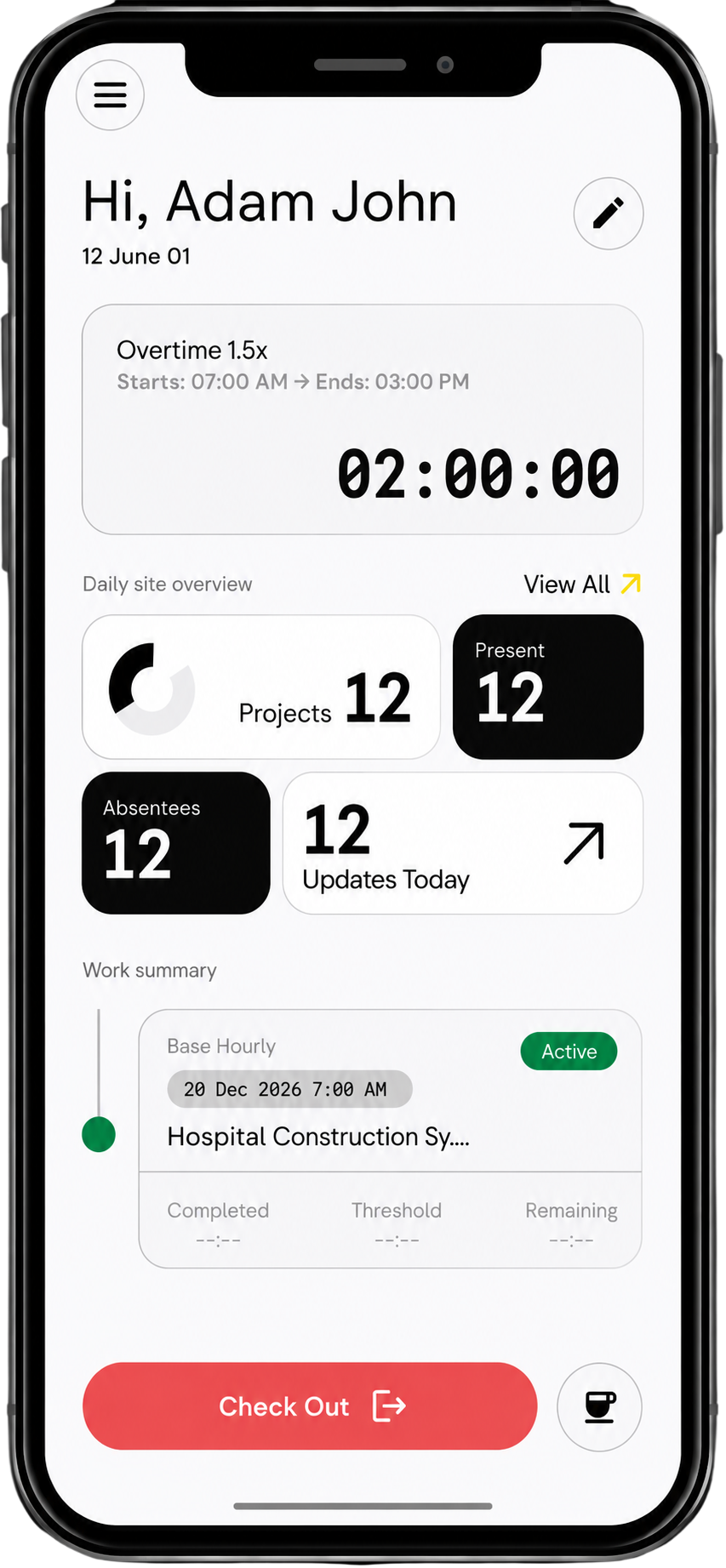
iPhone mockup

One source of truth

Timesheets, approvals, and pay rules live in one place, eliminating email and spreadsheet chaos.

Faster pay runs

Approved time flows straight into payroll exports, shrinking processing from days to minutes.

Payroll headaches, gone for good

Before

After

Weekly payroll previously took 6–8 hours.
30 minutes after site approvals.
Every payroll data dumped in one Excel sheet.
Payroll segmented across projects, crews and jobs with cost codes.
Attendance, time-tracking, payroll - all worked separate are didn't work at all.
GPS-verified attendance syncs to timesheets, payroll and labour cost tracking automatically

Payroll, at the Heart of Construction Workforce Management

1
Attendance
2
Time Tracking
3
Labour Cost Allocation
4
Subcontractor Management
Support

FAQs

Can’t find the answer you’re looking for? Please chat to our team.
Everything you need to know about Swift Checkin.

1. What is Single-Click Payroll in Swift Checkin?
Single-Click Payroll is an automated workflow that pulls time-verified, site-approved hours into payroll-ready summaries, so you can run accurate pay in under 30 minutes.

2. How does Swift Checkin help with construction timesheets?
Site supervisors approve timesheets on mobile at the end of each shift, and those approvals flow directly into your payroll view—no chasing photos, WhatsApp messages, or spreadsheets.

3. Can I use Swift Checkin with my existing payroll software?
Yes. Swift Checkin’s “Export to payroll” creates clean, structured timesheet data that can be imported into most popular payroll systems without manual reformatting.

4. Does Swift Checkin handle different sites, crews, and pay rates?
Swift Checkin stores project-wise rates, roles, and allowances, so overtime, shift differentials, and site-based rules are applied automatically during payroll runs.

5. How does automated payroll reduce errors and rework?
Because hours are captured with GPS proof on site and approved before payroll, Swift Checkin removes duplicate entry, mismatched spreadsheets, and last-minute corrections.

Stop Wasting Thursdays on Payroll

Automatic timesheets mean no spreadsheets. No chasing. No rounding. You see it all and payroll's just one click.
iPhone mockup