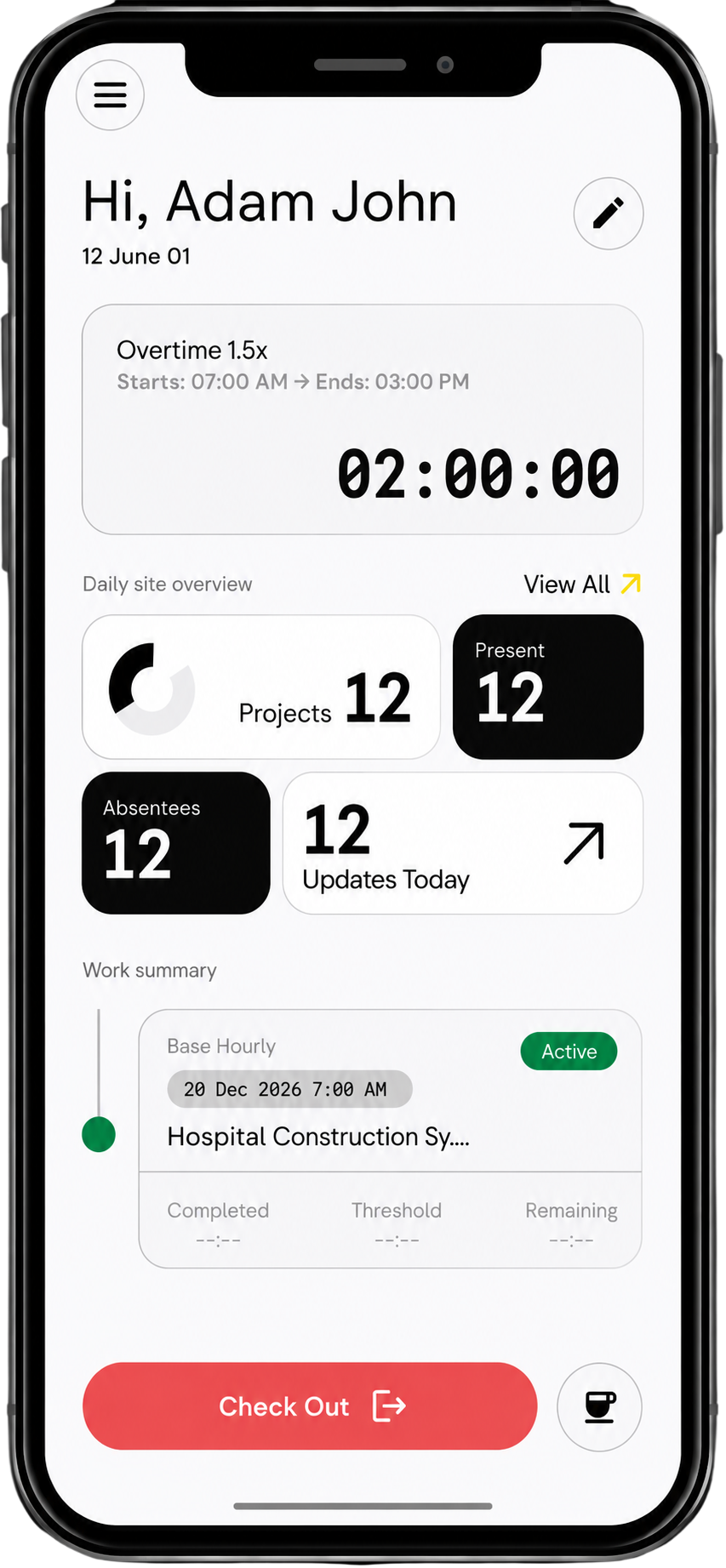
GPS Time Tracking for Construction with Automatic Check-In

No manual clock-ins. No missed hours. Automatically track who’s on-site, where they are, and how long they worked — without asking workers to do anything.
Features

No Clock-In. No Forgetting. No Fixing Later.

Remove the friction of time capture for your crews.

Automatic GPS Check-In

Workers are automatically checked in when they arrive on-site. Time tracking happens in the background.

  • No scanning
  • No app interaction required
  • No “forgot to clock in”

Location-Verified Time Tracking

Every hour is tied to a real job site.

  • GPS confirms on-site presence
  • Prevents off-site clock-ins
  • Eliminates guesswork

Multi-Site Tracking

Crews moving between sites are tracked automatically.

  • Time split across projects
  • No manual switching
  • Accurate job-level tracking

Automatic Timesheet Creation

Every movement builds a clean timesheet.

  • Hours structured per project
  • Ready for approval
  • No admin preparation

How Automatic GPS Time Tracking Works

Dashboard mockup
01

Worker Arrives On Site

GPS detects entry into the job boundary.

02

System Automatically Checks Them In

No action required from the worker.

03

Time is Tracked in Real Time

Movement, duration, and location are recorded.

Zero

Missed check-ins

7-10

Admin hours saved weekly

100%

Accurate, location-verified attendance

Real-time

workforce visibility

Plus Icon

Why Construction Teams Move to Automatic GPS Tracking

On site

The hassles of manual check-in and tracking goes out of the picture. The removed dependency on workers to check-in and out enables workers to spend time on what matters most - building.

Overall

Swift Checking's auto-checkin saves time, eliminates chaos and makes every department productive
iPhone mockup

In the office

Thursdays are not spend on payroll anymore. The auto created timesheets with accurate award rates are sent to payroll in one click.

Switch from chaos to auto-pilot for time-tracking

Before

After

Workers have to remember to check-in and out everytime
Happens automatically
Supervisors call workers to check time on-site
Supervisors simply approves every workers time data at EOD
No proof to verify time on-site
GPS proof with accurate time data
Thursdays gone to check-in data collection and timesheet creation
Timesheet is created live as work happens

Auto Checkin enabling the connected system of Subcontractor Management

1
Auto-generated Timesheets
2
1-click Payroll
3
Real-time Labour Cost Tracking
4
Ai Invoice Verification based on GPS-time data
Support

FAQs

Can’t find the answer you’re looking for? Please chat to our team.
Everything you need to know about Swift Checkin.

Does automatic GPS check-in require additional hardware?

No, any modern smartphone is capable of Swift Checkin's auto checkin feature.

Does GPS tracking drain battery?

Swift Checkin is optimised to run efficiently in the background.

What if workers move between sites?

The time is automatically split across projects.

Does it work without internet?

Yes, the time keeps tracking an  dsyncs when the connection returns.

Can workers override check-ins?

Yes, manual entries are possible, controlled by admin permissions.

Is location always tracked?

Only during work hours, respecting privacy policies for Australia, EU and all major regions.

Cut the chaos from time tracking by ditching manual check-ins

Leave behind the days of chasing workers for check‑ins and check‑outs, keying in hours by hand, and following up endlessly for fixes.
iPhone mockup