Real-Time Labour Cost Control

Track, compare, and control labour spend across every project — as work happens, not after it’s done.
Features

Stop finding cost overruns after it’s too late

Labour makes up about 70% of your project cost. Don't wait for payroll day to know your numbers when nothing can be changed.

Live Cost Tracking

Every time recorded is converted into cost using the assigned rate for that worker. As time is logged and approved, labour costs accumulate automatically against the project.

  • Cost builds as work happens
  • No separate calculation step
  • Always reflects latest approved data

Cost Code Allocation

Each hour worked is mapped to a predefined project, task, or cost code at the point of check-in or timesheet creation.

  • Allocation happens at source
  • No manual tagging later
  • Clean, project-level cost data

Budget vs Actual Tracking

Labour cost is continuously compared against the allocated budget for each project or task.

  • Live budget tracking
  • Updated as work progresses
  • No end-of-project surprises

Subcontractor Cost Capture

Subcontractor hours and invoice values are captured within the same system and included in project-level cost tracking.

  • Unified workforce cost view
  • No separate tracking for subbies
  • Cost reflects total site spend

From site activity to cost visibility

Dashboard mockup
01

Work Gets Logged

Workers are auto-checked in for accurate GPS-based time data

02

Cost Builds Automatically

Each hour is assigned a rate and mapped to the correct project or cost code.

03

Live Cost View Updates

Labour cost updates live split across job, team, projects and sites in one dashboard

Live

Labour cost visibility

7–10 hrs

Admin time saved on manual cost tracking and reconciliation

50%

Decrease in labour cost overruns

Zero lag

Decision making

Plus Icon

Why Construction Teams Need Live Labour Cost Visibility

Control

Know where your project stands financially at any point

Accountability

Tie every dollar of labour cost back to actual site activity and approved hours.
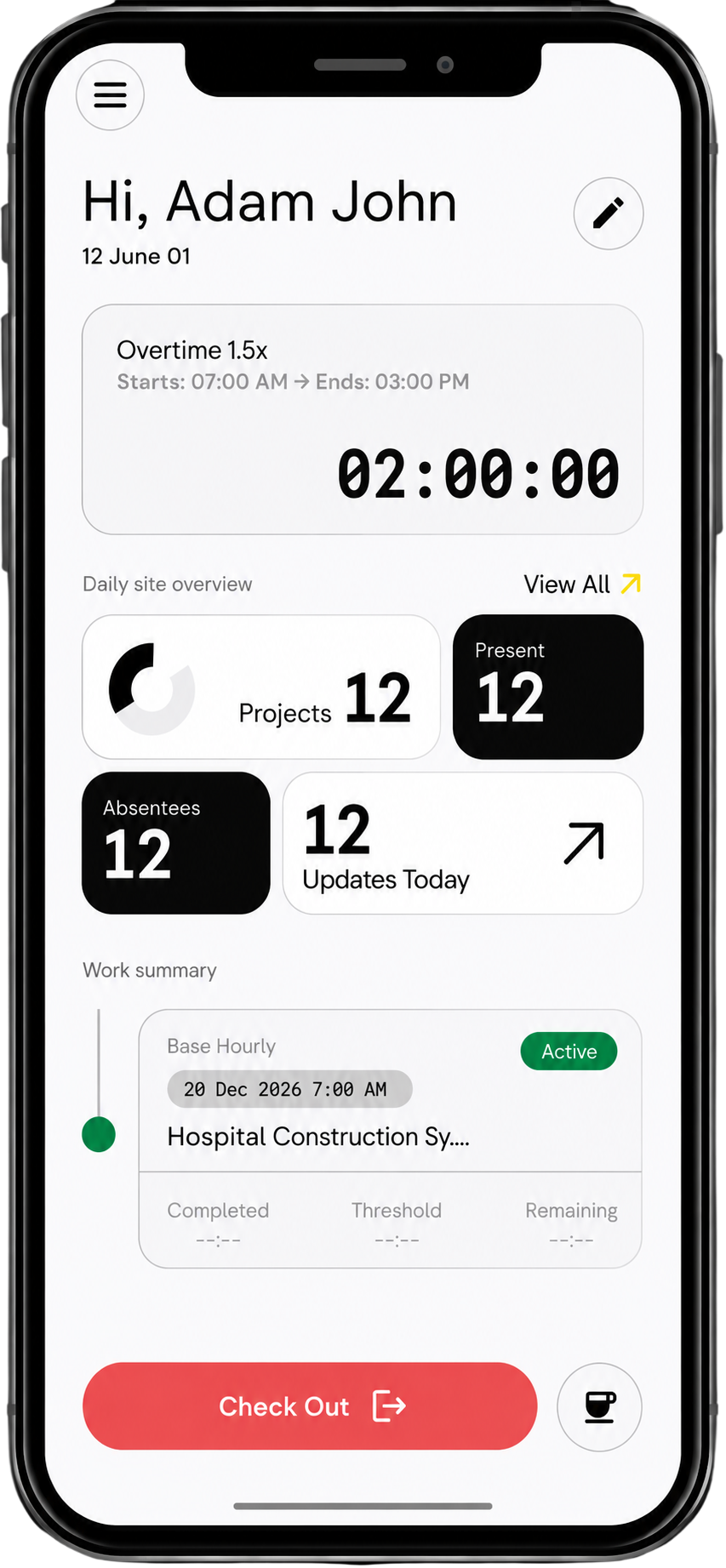
iPhone mockup

Accuracy

Eliminate errors from manual cost allocation and spreadsheet tracking.

Profitability

Catch cost overruns early and take action before they impact margins.

Switch from delayed cost tracking to real-time control

Before

After

Labour spends calculated at payroll
Live cost updates as work happens
Hours tracked separately from cost
Time and cost linked automatically
Spreadsheet-based work-completion/budget tracking
Real-time budget vs actual visibility
Subcontractor costs handled seperately
All workforce costs captured in one system

The connected construction management system with labour cost at its centre

1
GPS based auto-checkin
2
Live labour cost analytics
3
Subcontractor invoice and labour cost alignment
4
Automated timesheet and payroll
Support

FAQs

Can’t find the answer you’re looking for? Please chat to our team.
Everything you need to know about Swift Checkin.

How is labour cost calculated automatically?

Each worker is assigned a rate, and every hour logged is converted into cost and mapped to the project.

Can I track labour cost per project?
Yes, all labour is automatically allocated to specific projects and cost codes.

Does this include subcontractor costs?
Yes, subcontractor hours and invoices are included in the total labour cost view.

Can I compare labour cost against budgets?
Yes, you can track actual spend against project budgets in real time.

Do I need to manually allocate hours to cost codes?
No, allocation happens automatically based on project and task setup.

How accurate is the cost tracking?
Costs are based on verified time entries and predefined pay rates, ensuring 100% accuracy.

Can I see labour cost across multiple projects?
Yes, dashboards show live cost data across all active projects.

What happens if time entries are edited?
All changes are logged, and cost updates automatically reflect the latest approved data.

Can this integrate with payroll systems?
Yes, labour cost data flows directly into payroll processing like Xero and MYOB.

10. How quickly does cost data update?
Labour cost updates instantly as time is logged.

Don’t wait till the payroll day to find out you labour expenses

See labour costs build in real time and stay in control of every project’s profitability.
iPhone mockup