
Every recorded hour is converted into cost using the assigned rate, and labour spend accumulates against the project as work happens.
Project budgets are assigned to jobs, tasks, or cost codes and linked to incoming labour data from the start.
Actual labour cost is continuously compared against the allocated budget and alerted immediately on overrun.
Differences between planned and actual cost are surfaced as work progresses, not after completion.

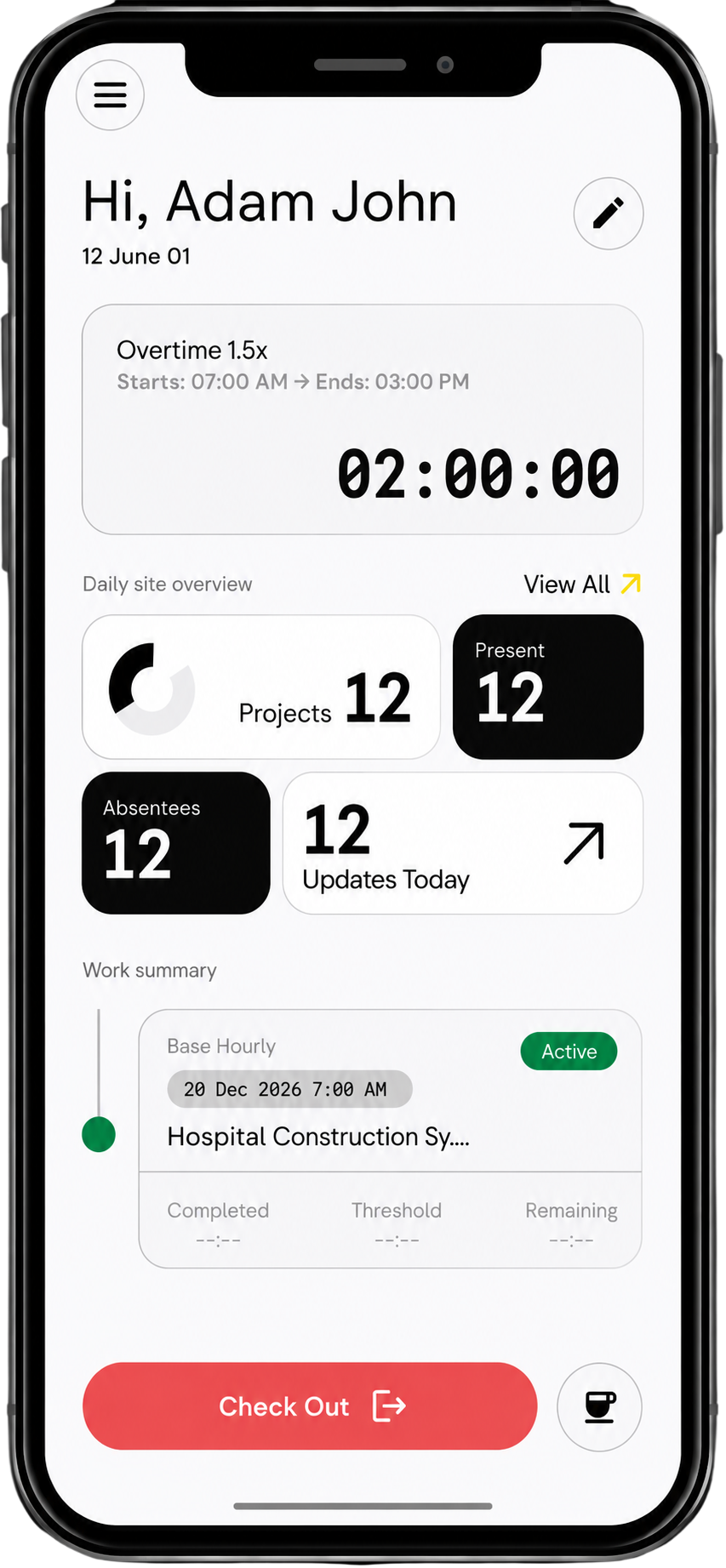
Workers clock in, log hours, and complete shifts on-site.
Each hour is converted into cost and mapped to the correct project or cost code.
Actual cost is continuously compared and alerted on overrun possibility
Budget vs actual cost visibility
Accurate project cost tracking
between work and cost data
Overruns avoided through timely alerts
How is actual cost calculated?
Each recorded hour is multiplied by the assigned rate (+taxes) and mapped to the project.
Can I track budget vs actual per project?
Yes, budgets can be assigned at project or task level and tracked continuously.
Does this update in real time?
Yes, cost and budget comparison updates as work is logged and approved.
Can I see which project is over budget?
Yes, overruns are visible across all active projects.
Is variance tracked automatically?
Yes, the system highlights differences between planned and actual cost. Alerts can be set to sent notification if the vairance goes below desired levels.
Can subcontractor costs be included?
Yes, subcontractor labour is included in cost tracking.
Can I track costs across multiple sites?
Yes, all projects are tracked within a single dashboard.
How accurate is the data?
Costs are based on verified time entries and assigned rates, which ensure 100% accuracy and audit ready.
Can this integrate with payroll systems?
Yes, cost data flows into payroll and financial systems like MYOB, Xero, etc.
